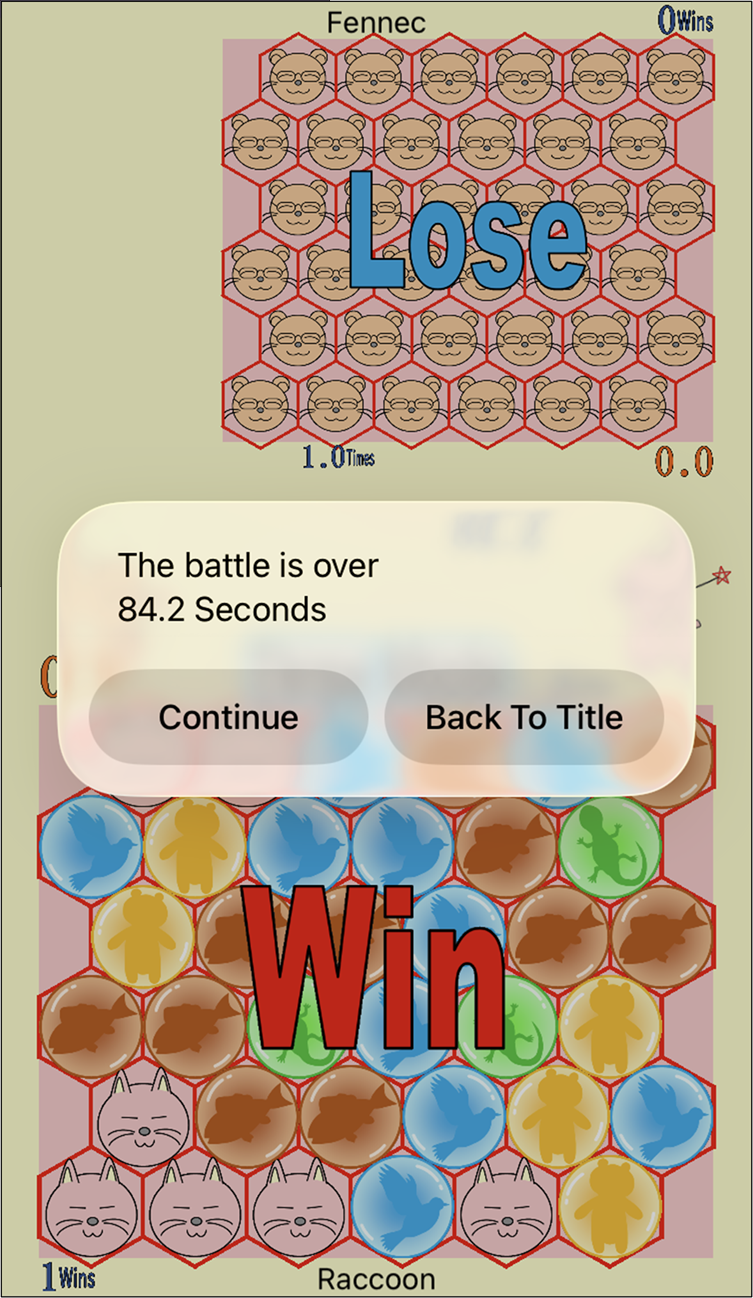
About Online Match
Online match exchange game data through a server on the internet. This game is achieving online match with simple communication method, low data usage, fewer communications.
Depending on the network conditions at that time, it is not always possible to play, there are times when the match is paused frequently or the match is aborted midway.
The server is in Japan. If you are far from Japan, the internet connection may be slow.
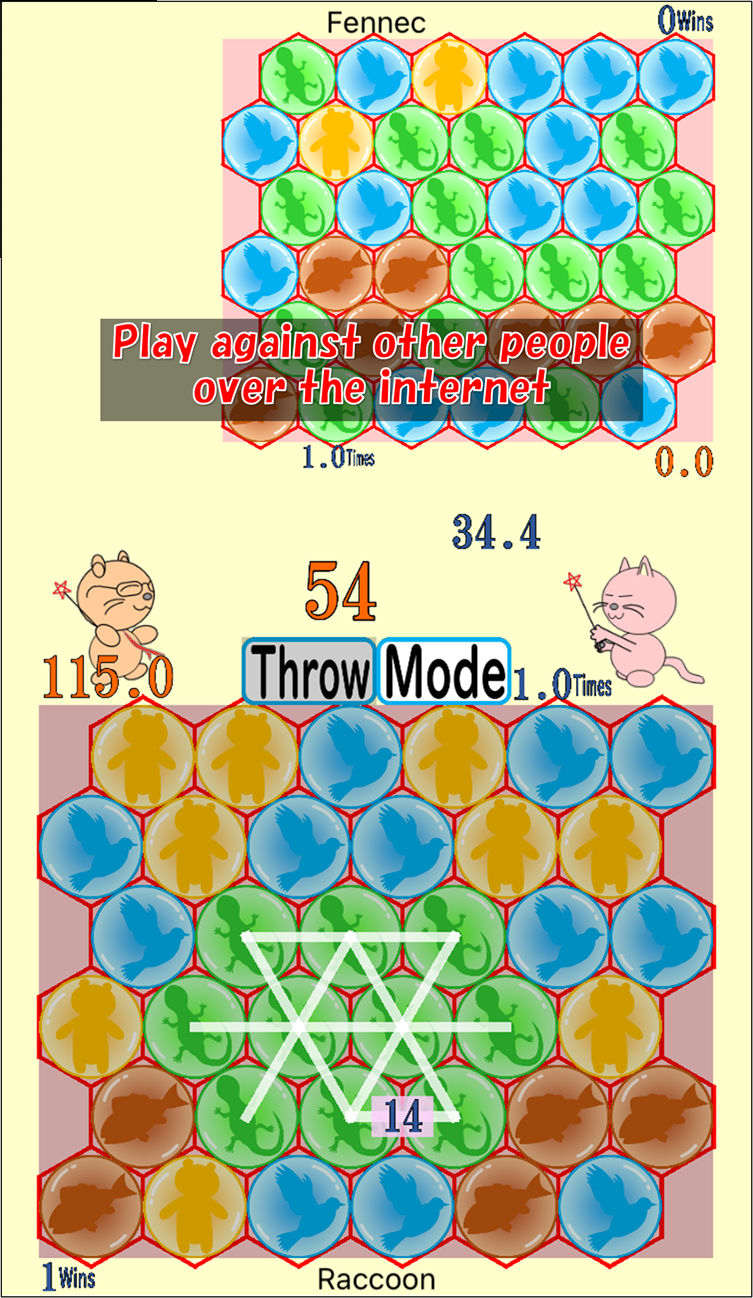
Identification Number(ID) And Name For Online Match
Your identification number(ID) for online match is automatically assigned from the server when you visit the online match scene for the first time. (If you uninstall this app and install again, new identification number is assigned.)
You can input a name for online match so the other person can easily understand.
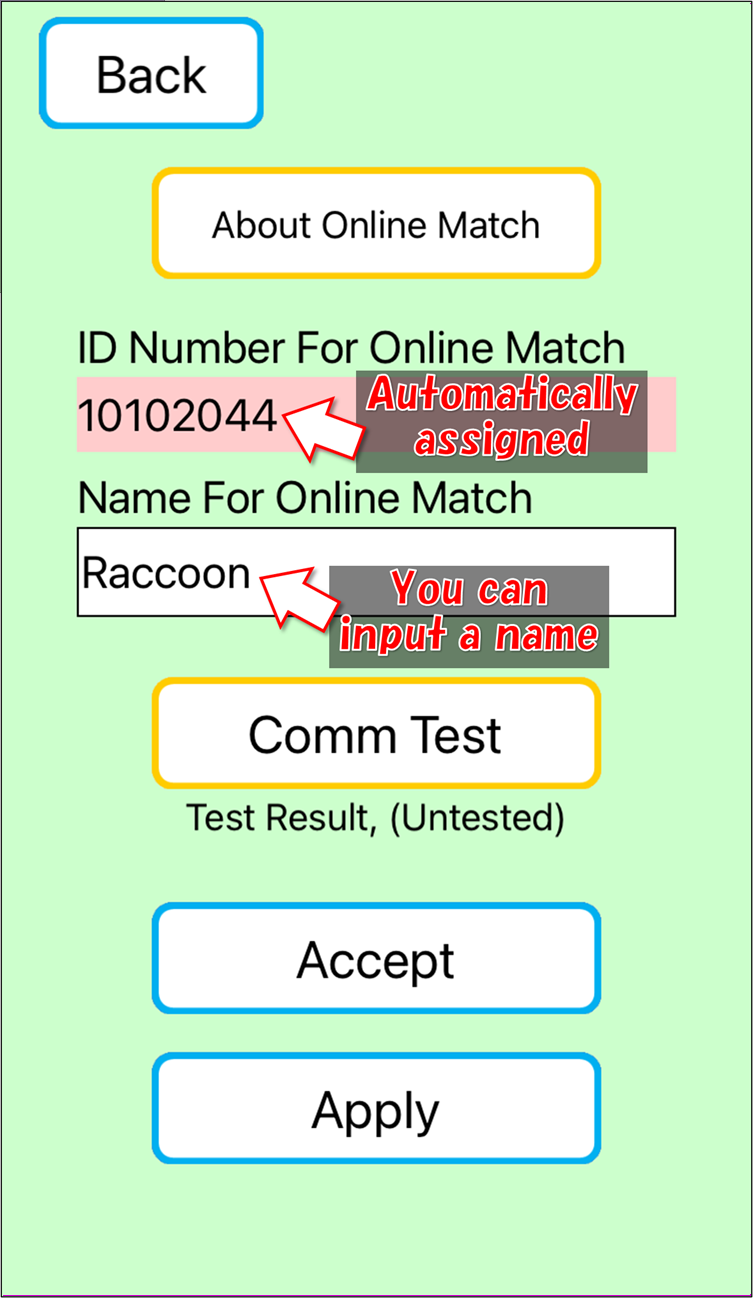
You Can Test The Communication
You can test the communication. If the communication is worked properly, the communication speed is displayed.
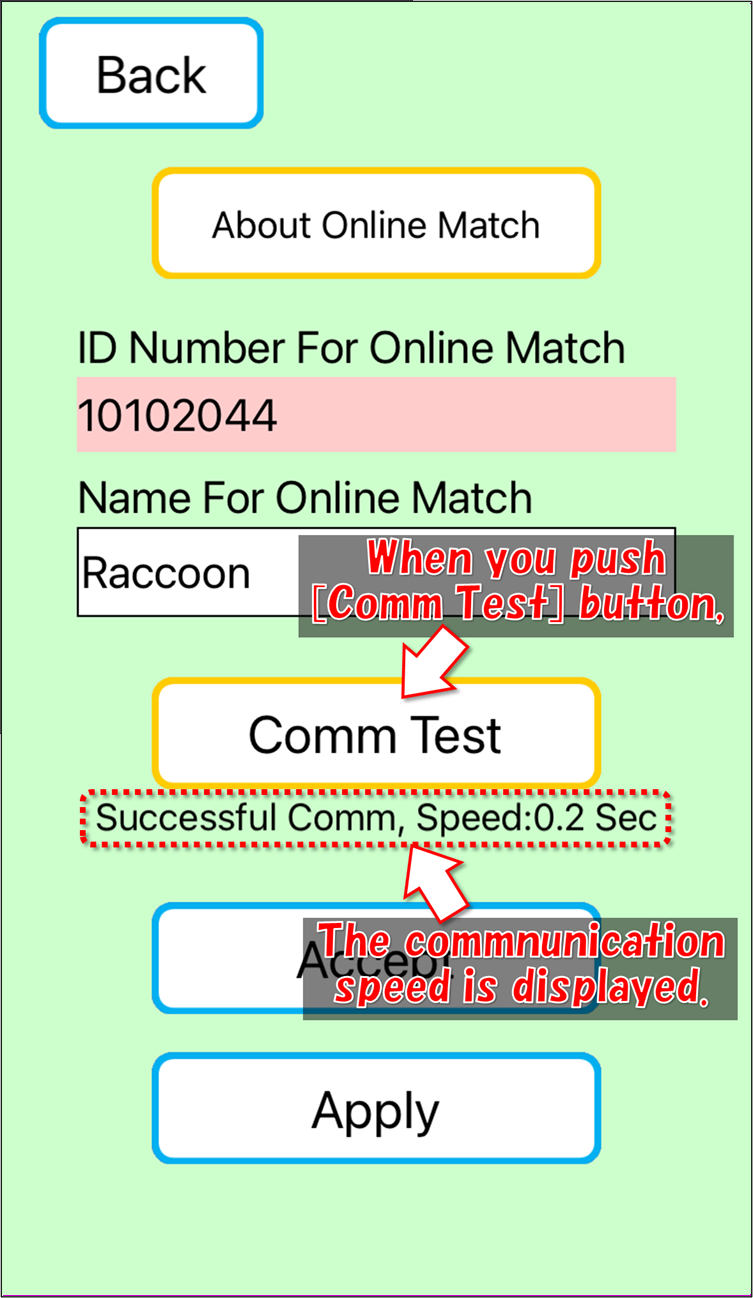
When the communication speed is usually within 0.3 seconds, you can probably play online match.
Flow Of Acceptance
Push [Accept] button.
![Push [Accept] button.](user_guide_05_11_light_blue.png)
Set battle conditions, and push [Accepting Start]
![Set battle settings, and push [Start Accepting]](user_guide_05_12_light_blue.png)
Wait until applications are received. The screen is automatically updated every 2 seconds.
The acceptance is valid for 5 minutes. (After 5 minutes, it will not be displayed for applicants.)
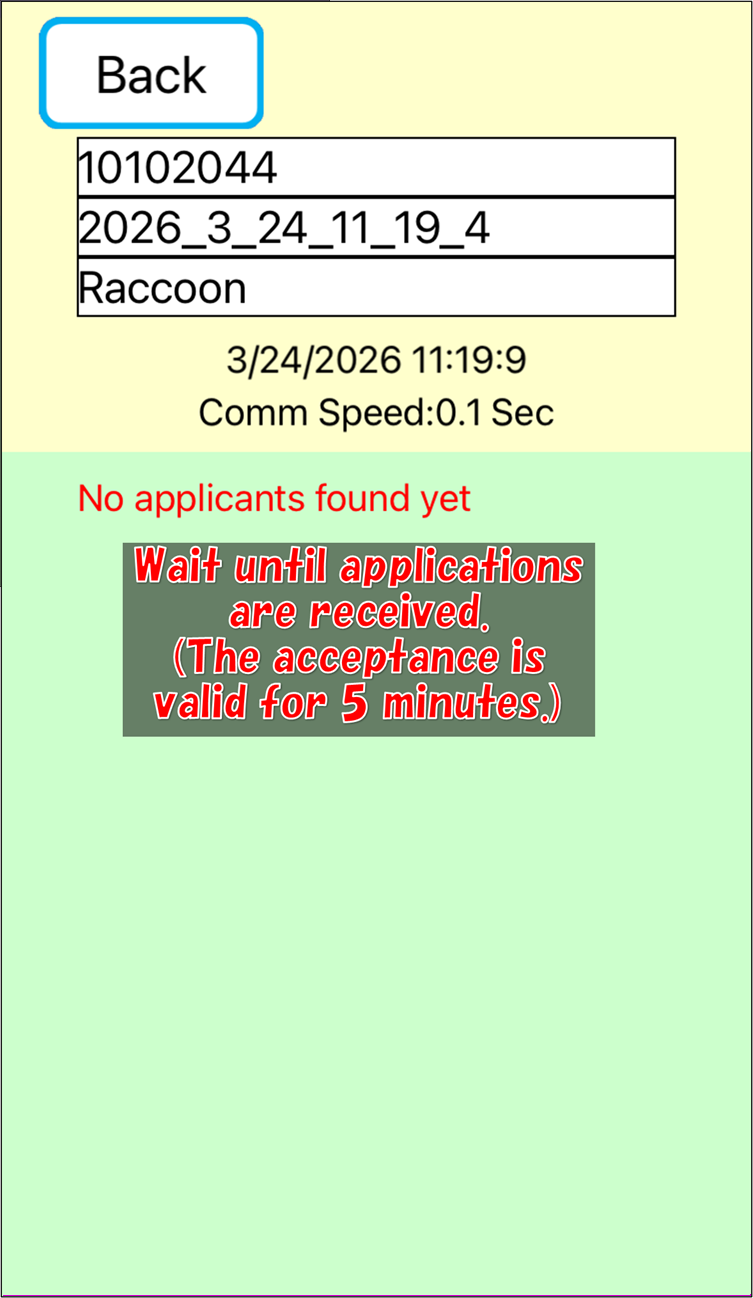
If the opponent that you want to play against is displayed in the screen, push [Fight] button.
![push [Fight] button](user_guide_05_14_light_blue.png)
The battle screen will appear and the battle will start.
Flow Of Application
Push [Apply] button.
![Push [Apply] button.](user_guide_05_21_light_blue.png)
Accepting list will be displayed. If you push [Update] button, Accepting list will be updated.
If the opponent that you want to play against is displayed in the screen, push [Apply] button.
![push [Apply] button](user_guide_05_22_light_blue.png)
Wait until the opponent agree.
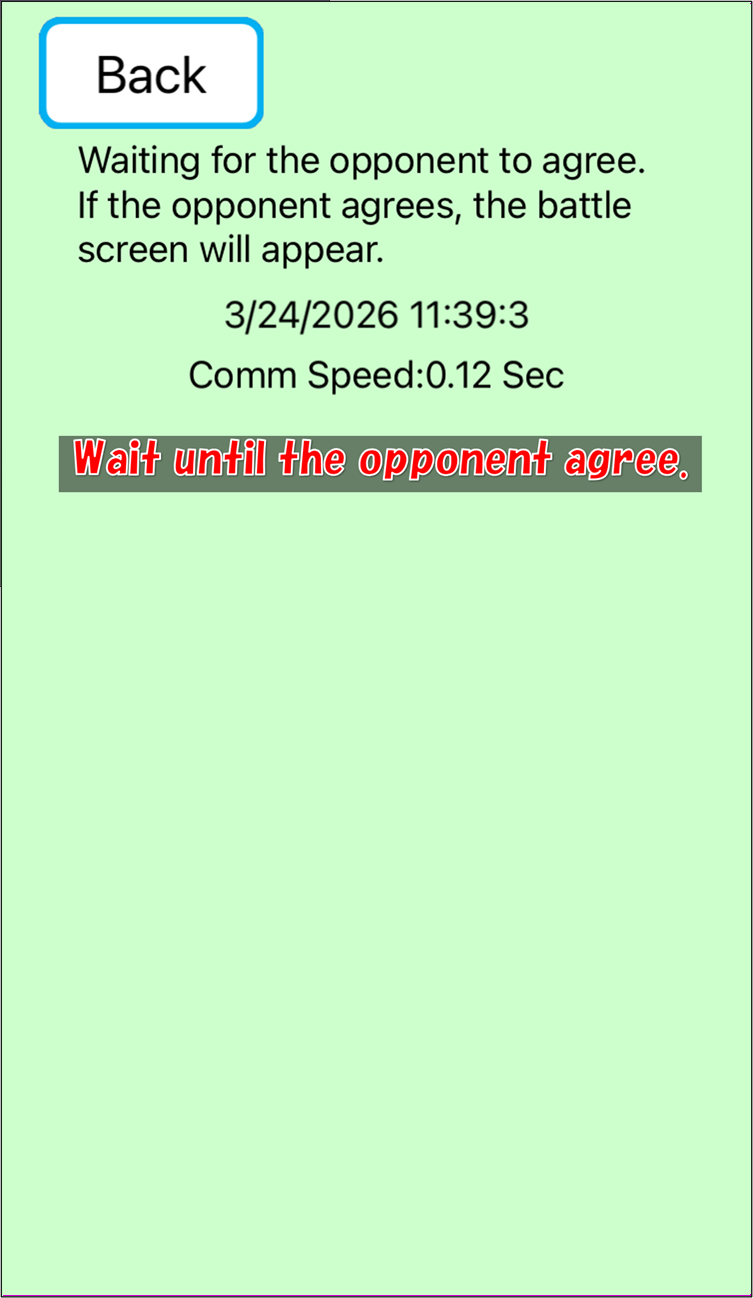
If the opponent agree, the battle screen will appear and the battle will start.
In Case The Communication Slows Down In The Battle
Network speed is not always constant. Even in normal times, network speed may run slow sometimes. And your device may run slow sometimes or the opponent's device may run slow sometimes. During the battle, If your device can't obtain the opponent's status more than 1 second, the screen display [Adjusting The Time] and the battle will be paused until your device can obtain the opponent's status. If the pause lasts for more than 10 seconds, the battle will be aborted.
![the screen display [Adjusting The Time] and the battle will be paused](user_guide_05_31_light_blue.png)
You Can Play The Battle Again
After the battle, both you and the opponent select [Play Again], You can play the battle again. Either you or the opponent select [Back to Title], the battle will end. Either you or the opponent select [Play Again] and the other don't select [Play Again] within 10 seconds, the battle will end.